
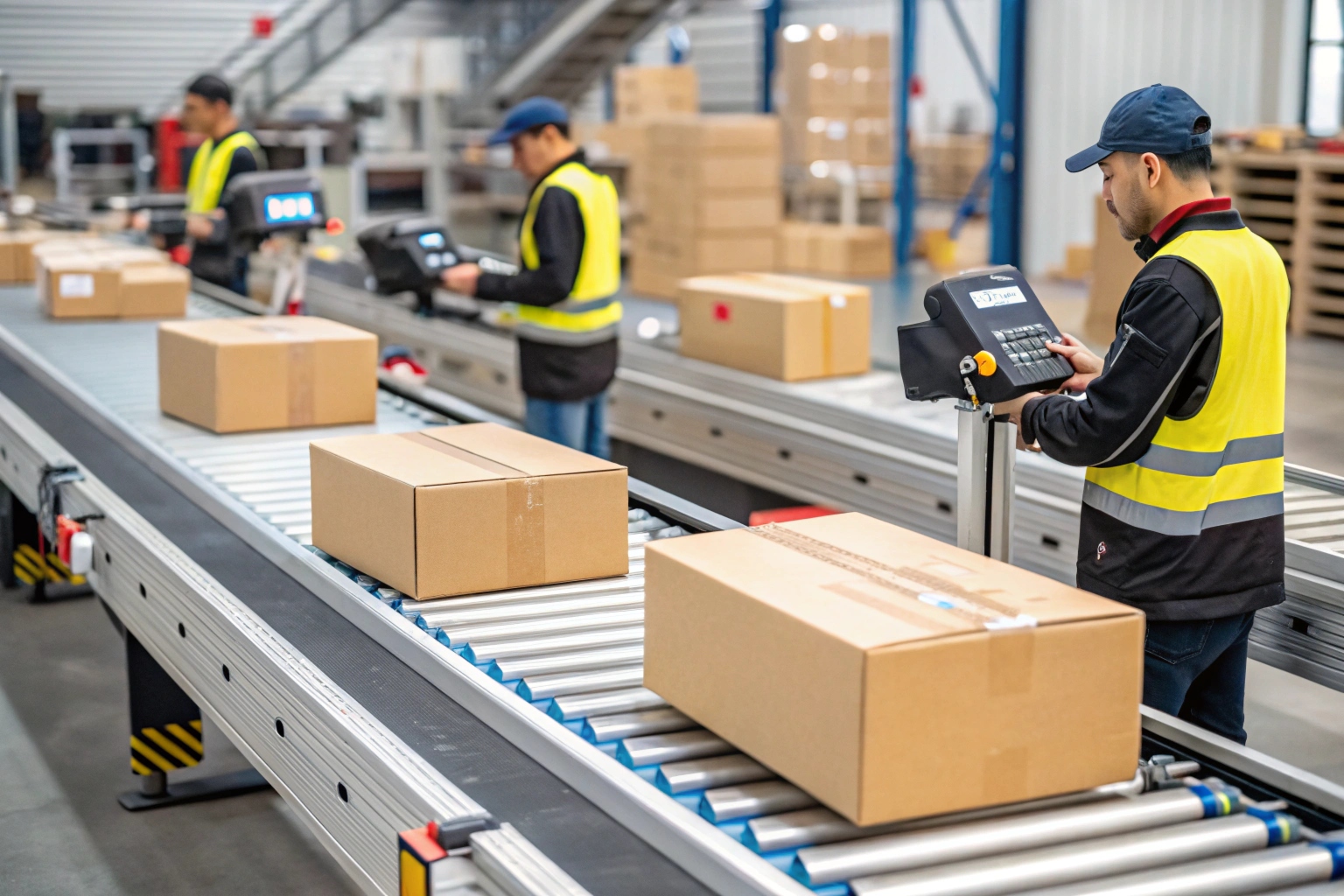
Do you struggle with slow package processing in your warehouse? Manual sorting costs time and money while increasing errors.
Sorting machines work through three core steps: identification, transportation, and classification. Sensors like barcode scanners, cameras, or laser systems identify items by labels, size, or weight. Conveyor belts move items to sorting zones where pushers, flip plates, belt guides, or diverter wheels direct items into designated chutes or containers.
I have worked with countless manufacturers who transformed their operations using automated sorting systems. Let me walk you through everything you need to know about these game-changing machines.
What Industries Use Sorter Machines?
Are you wondering if your industry could benefit from automated sorting? Many sectors already rely on these systems daily.
Sorting machines serve express logistics (package classification), e-commerce (order fulfillment centers), food and beverage (sorting by variety or weight), pharmaceutical (drug packaging and verification), postal services (letters and small packages), airports (baggage handling), and manufacturing (component or finished product warehouse sorting).
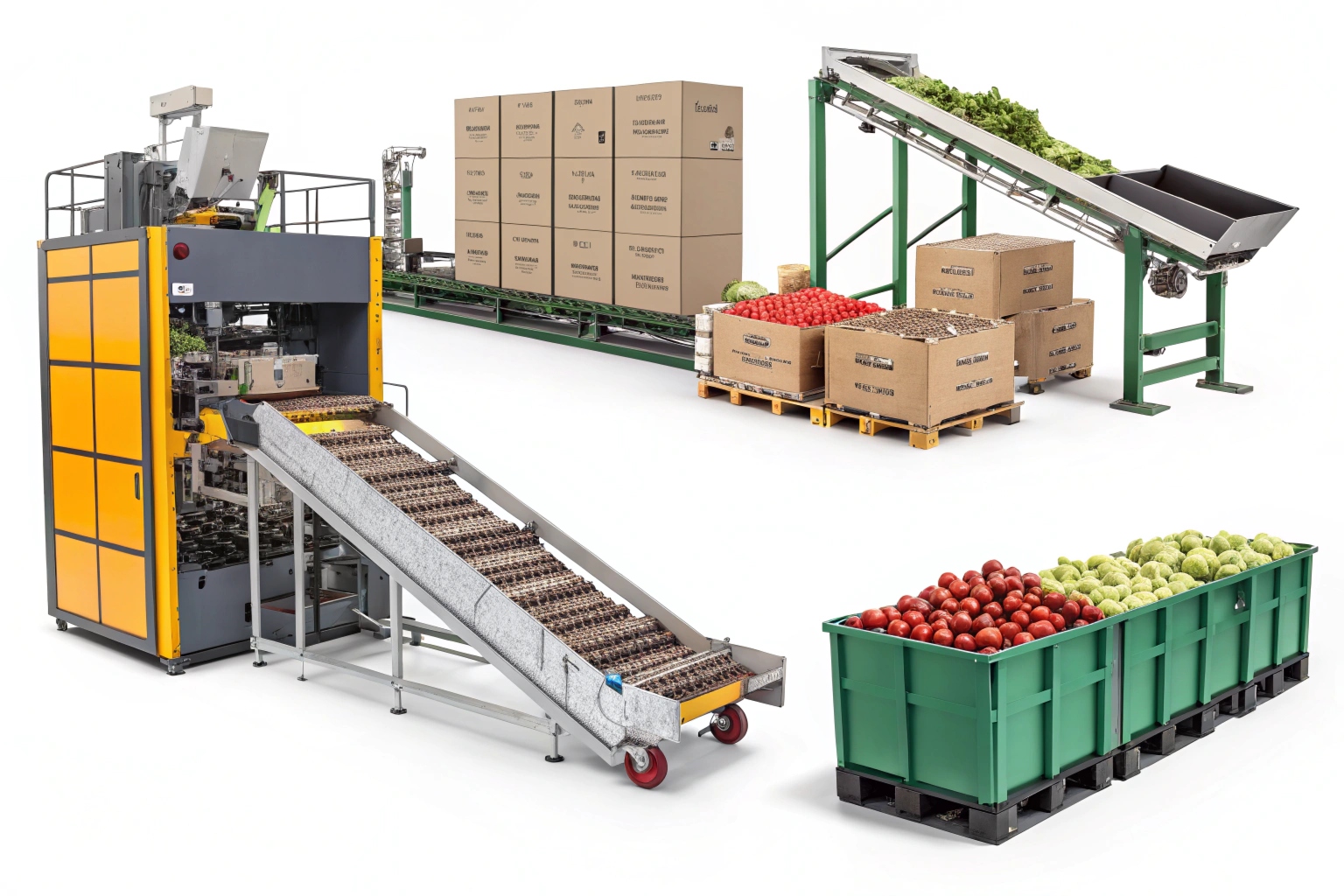
Express logistics companies process millions of packages daily. I have seen how UPS and FedEx facilities use cross-belt sorters1 to handle peak season volumes. These machines can sort 15,000 packages per hour with 99.9% accuracy2.
E-commerce fulfillment centers depend on sorting machines for order processing. Amazon’s warehouses use various sorter types to group items by destination zones. This reduces picking time and improves delivery speed.
The food industry uses sorting machines differently. Weight-based sorters separate fruits by size. Optical sorters remove defective items from production lines. I worked with a snack manufacturer that increased quality control efficiency by 300% using optical sorting technology3.
Pharmaceutical companies need precise sorting for safety reasons. These machines verify pill counts and detect packaging errors. Airport baggage systems sort thousands of bags hourly based on flight destinations and passenger information.
| Industry | Primary Use | Typical Volume | Key Benefit |
|---|---|---|---|
| Express Logistics | Package routing | 15,000/hour | Speed and accuracy |
| E-commerce | Order fulfillment | 8,000/hour | Reduced labor costs |
| Food & Beverage | Quality control | 25,000/hour | Consistent quality |
| Pharmaceuticals | Safety verification | 5,000/hour | Error prevention |
| Airports | Baggage handling | 3,600/hour | Passenger satisfaction |
What Are the 5 Sorting Algorithms?
Do you know the mathematical principles behind sorting machine intelligence? Computer science provides the foundation for these systems.
The five basic sorting algorithms include bubble sort (repeatedly comparing adjacent elements), selection sort (finding minimum/maximum values), insertion sort (placing elements in correct positions), quick sort (using pivot points for division), and merge sort (divide-and-conquer approach with stable results).
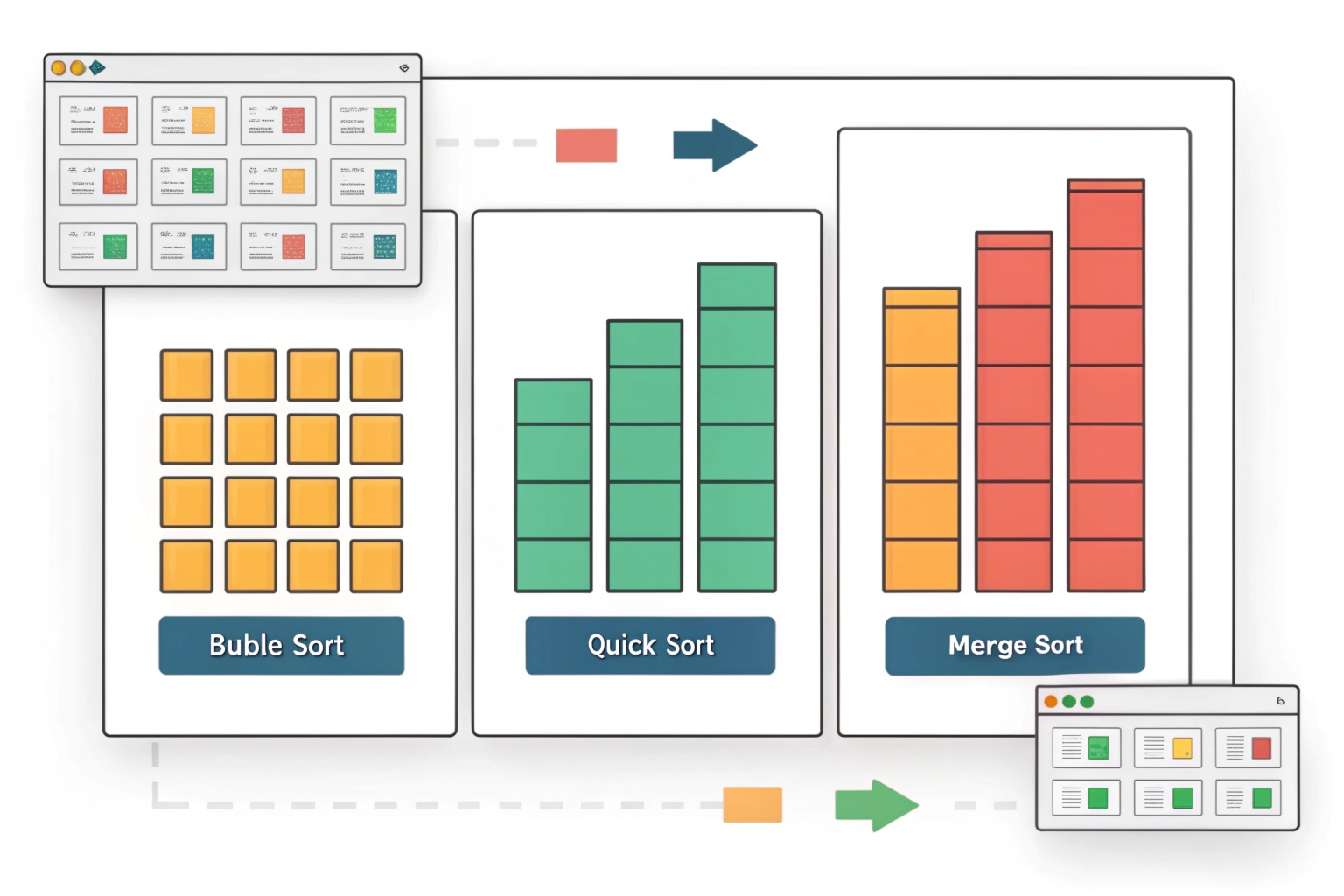
Understanding these algorithms helps you choose the right sorting machine4. Bubble sort5 resembles how simple pusher sorters work. Items move along a line and get pushed to correct positions through multiple comparisons.
Selection sort mirrors how pick-and-place systems operate. The machine identifies the target item from a group and places it in the designated location. This method works well for small-batch operations.
Insertion sort explains how many conveyor-based sorters function. Items enter a sorted sequence and find their correct positions. This approach maintains order throughout the process.
Quick sort principles apply to high-speed cross-belt sorters6. These machines divide packages into groups based on destinations. Each group gets further subdivided until items reach final positions. This method handles large volumes efficiently7.
Merge sort concepts appear in multi-stage sorting systems. Different sorter sections handle specific tasks. Results combine at the end for complete classification. This approach provides reliability and consistent performance.
| Algorithm | Speed | Complexity | Best Use Case | Machine Type |
|---|---|---|---|---|
| Bubble Sort | Slow | Simple | Small batches | Pusher systems |
| Selection Sort | Medium | Moderate | Pick operations | Robotic sorters |
| Insertion Sort | Medium | Moderate | Continuous flow | Conveyor sorters |
| Quick Sort | Fast | Complex | High volume | Cross-belt sorters |
| Merge Sort | Fast | Complex | Multi-stage | Hybrid systems |
Is Optical Storage Faster Than SSD?
Are you considering data storage options for your sorting system? Speed differences matter for real-time operations.
SSD storage far exceeds optical storage speed. Standard Blu-ray drives read at 36-72 MB/s while SATA SSDs achieve 500+ MB/s and NVMe SSDs reach 3,500-7,000 MB/s. SSDs also offer microsecond seek times compared to optical drives’ millisecond delays, plus SSDs support random read/write operations versus optical drives’ sequential limitations.
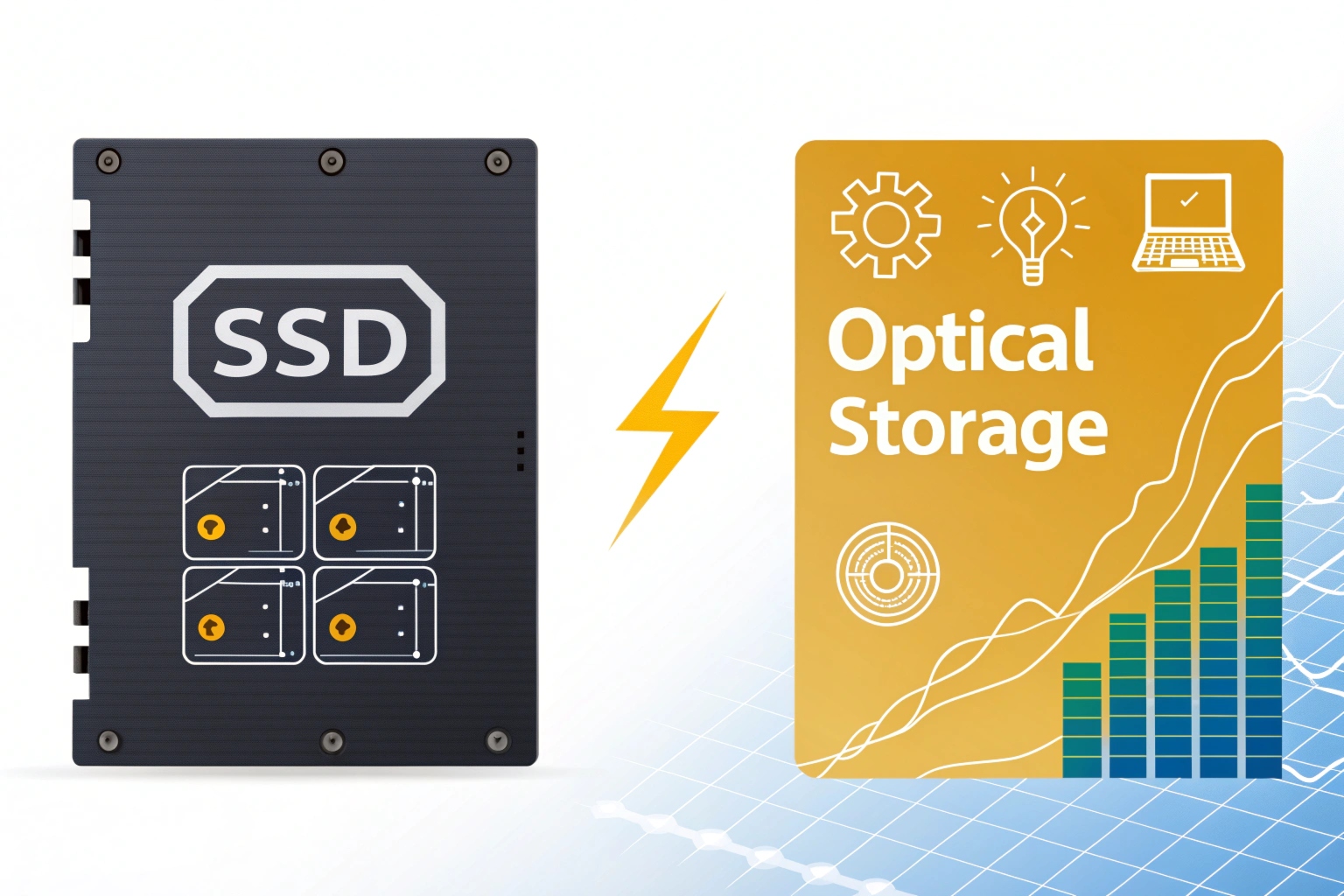
Modern sorting machines require fast data access for real-time decisions. I have upgraded many systems from optical to SSD storage with dramatic improvements. Response times dropped from seconds to milliseconds.
Optical storage8 uses laser technology to read data from rotating discs. The mechanical process creates delays. Laser heads must physically move to different disc locations. This seeking process takes considerable time compared to electronic memory access.
SSD storage9 uses flash memory with no moving parts. Data access happens electronically at near light speed. Multiple memory cells can be accessed simultaneously. This parallel processing capability makes SSDs ideal for sorting applications.
Sorting machines10 process thousands of items per hour. Each item requires database lookups for routing information. Optical storage would create bottlenecks in high-speed operations. SSDs11 eliminate these delays and maintain consistent performance.
The cost difference between SSD and optical storage has narrowed significantly. SSDs now offer better value considering their performance advantages. Reliability improvements also reduce maintenance costs over time.
| Storage Type | Read Speed | Seek Time | Random Access | Reliability | Cost per GB |
|---|---|---|---|---|---|
| Optical (DVD) | 11 MB/s | 150ms | Limited | Low | Very Low |
| Optical (Blu-ray) | 36-72 MB/s | 200ms | Limited | Low | Low |
| SATA SSD | 500+ MB/s | 0.1ms | Excellent | High | Medium |
| NVMe SSD | 3,500+ MB/s | 0.1ms | Excellent | High | High |
What Are the Disadvantages of Optical Drives?
Do you still rely on optical drives for your data needs? Several limitations make them unsuitable for modern applications.
Optical drives have slow read/write speeds compared to solid-state alternatives, limited storage capacity per disc (500MB-100GB versus multi-terabyte drives), vulnerability to physical damage from scratches or dust, mechanical components requiring power and generating heat, elimination from portable devices requiring external connections, and cumbersome writing processes with slow burn speeds and write-once limitations for some media.
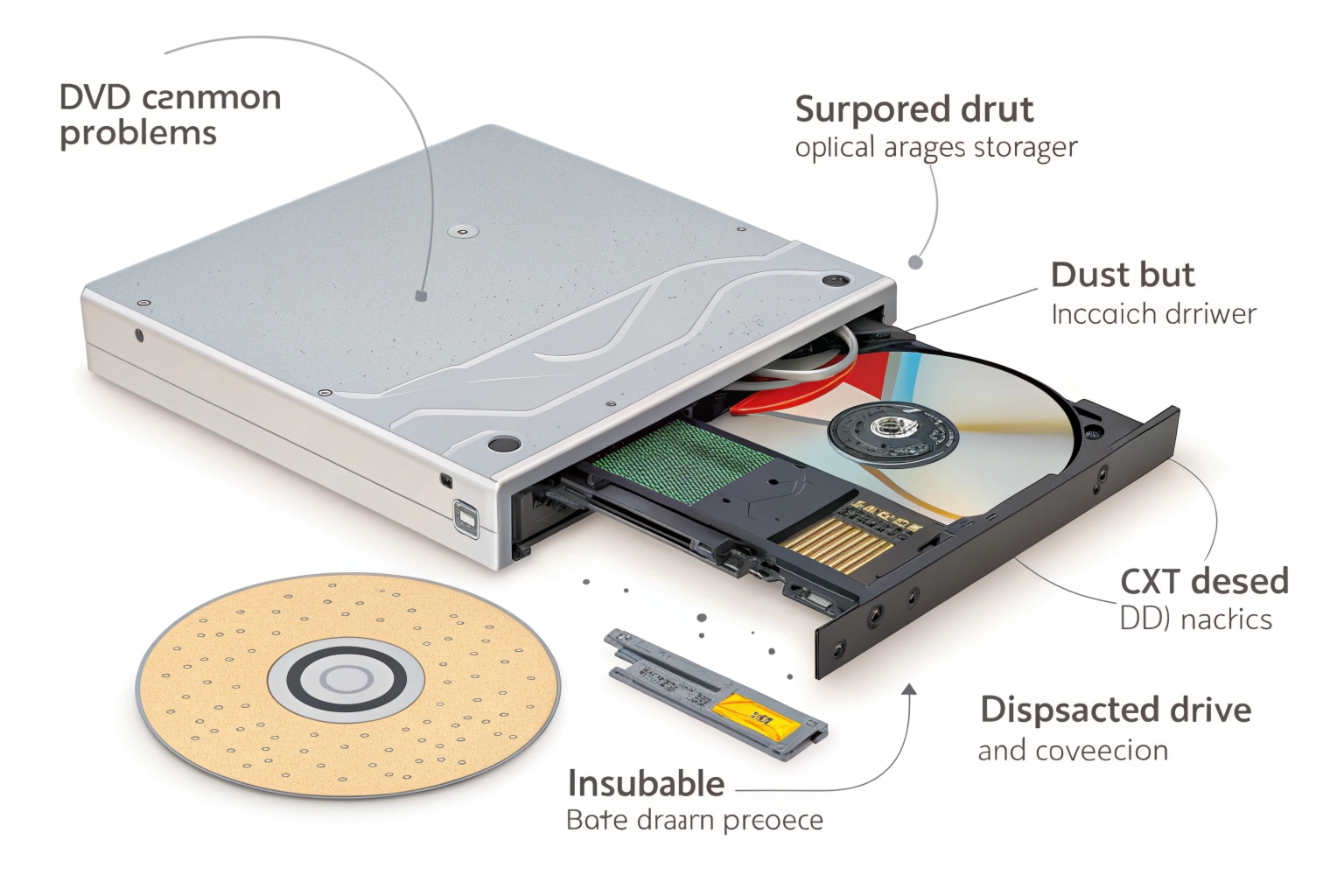
Speed limitations create the biggest problem for industrial applications. I have seen sorting systems fail during peak periods because optical drives12 could not keep up with data demands. The mechanical nature of optical drives12 introduces multiple failure points.
Physical vulnerability makes optical media unreliable for long-term storage. Warehouse environments expose discs to dust, temperature changes, and handling damage. A single scratch can make entire discs unreadable. This risk is unacceptable for critical sorting operations.
Modern devices eliminate optical drives to save space and power. Laptops and mobile devices use solid-state storage exclusively. This trend forces businesses to adopt alternative storage methods. External optical drives add complexity and connection points that can fail.
Writing data to optical media requires special software and takes significant time. DVD burning processes can take 30-60 minutes for full discs. This delay makes optical storage impractical for dynamic sorting applications that update frequently.
Heat generation and power consumption add operational costs. Optical drives use motors and lasers that require cooling systems. These components also create noise that affects workplace comfort. SSDs operate silently with minimal power requirements.
| Disadvantage | Impact Level | Alternative Solution | Cost Difference |
|---|---|---|---|
| Slow Speed | Critical | SSD Storage | 20% higher initial cost |
| Limited Capacity | High | Hard Drives | Similar cost per TB |
| Physical Damage | High | Cloud Storage | Ongoing subscription |
| Mechanical Failure | Medium | Flash Memory | 30% higher cost |
| Size Requirements | Low | Portable Drives | Minimal difference |
| Write Complexity | Medium | Network Storage | Setup complexity |
Conclusion
Sorting machines revolutionize operations through intelligent identification, efficient transportation, and precise classification systems that serve multiple industries with proven algorithms and reliable solid-state storage solutions.
-
Understanding cross-belt sorters can enhance your knowledge of efficient package handling in logistics. ↩
-
Exploring accuracy in logistics can provide insights into best practices and technologies used in the industry. ↩
-
Discover how optical sorting technology can significantly enhance quality control in food production, boosting efficiency and product quality. ↩
-
This resource will provide insights into various sorting machines, helping you choose the right one for your needs. ↩
-
Exploring this link will deepen your understanding of Bubble sort, its mechanics, and its applications in sorting algorithms. ↩
-
Explore this link to understand the technology behind high-speed cross-belt sorters and their efficiency in logistics. ↩
-
Discover strategies and technologies that enable sorting systems to manage large volumes effectively. ↩
-
Understanding the pros and cons of optical storage can help you make informed decisions about data storage solutions. ↩
-
Exploring SSD technology will reveal how it enhances performance and efficiency in data management. ↩
-
Explore how sorting machines enhance efficiency and speed in processing items, crucial for modern logistics. ↩
-
Learn about the advantages of SSDs over traditional storage, especially in high-speed environments. ↩
-
Exploring the pros and cons of optical drives can guide better technology choices for industrial systems.
Written by

You may also be interested in:
What is a visual inspection system?
Manufacturing quality control

What is the Standard for Visual Inspection?
Are you struggling with incons
What is a visual inspection machine?
You face quality control chall